Clock-in on site
Guards sign in at the start of a shift so the control room can see who is on duty.
Motion Guard is Motion Kulca's guard app for security companies and estate teams. Guards clock in, complete patrols, log incidents and stay in contact with the control room from a phone or a scanner such as a Chainway device.


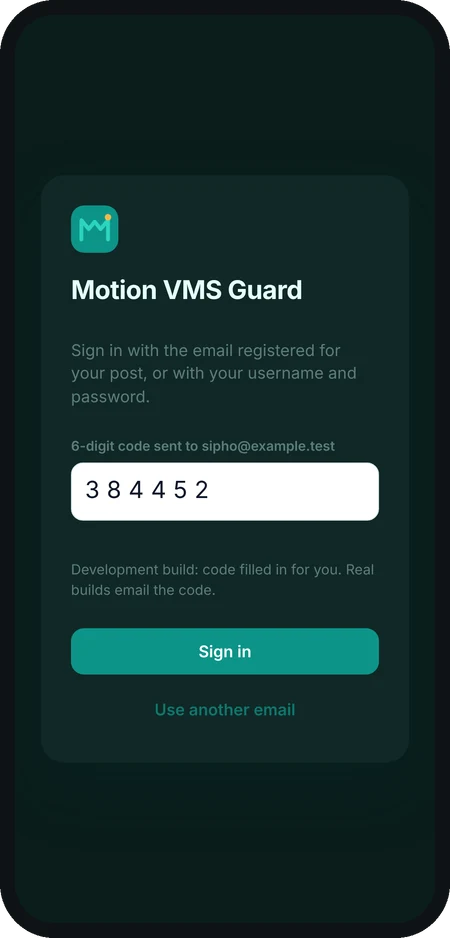
Motion VMS Guard is for guards and security teams. Sign in with the email address registered for your post; we email you a code. Your estate or security company sets your account up.
Use Motion Guard on its own, or together with Motion Dispatch and Motion VMS, depending on the site.
Guards sign in at the start of a shift so the control room can see who is on duty.
Record patrols and checkpoints as they are completed, so coverage is visible to supervisors.
Log what happened, when and where, and keep a record the control room can follow up on.
Keep guards and the control room in contact during a shift, without relying only on a radio.
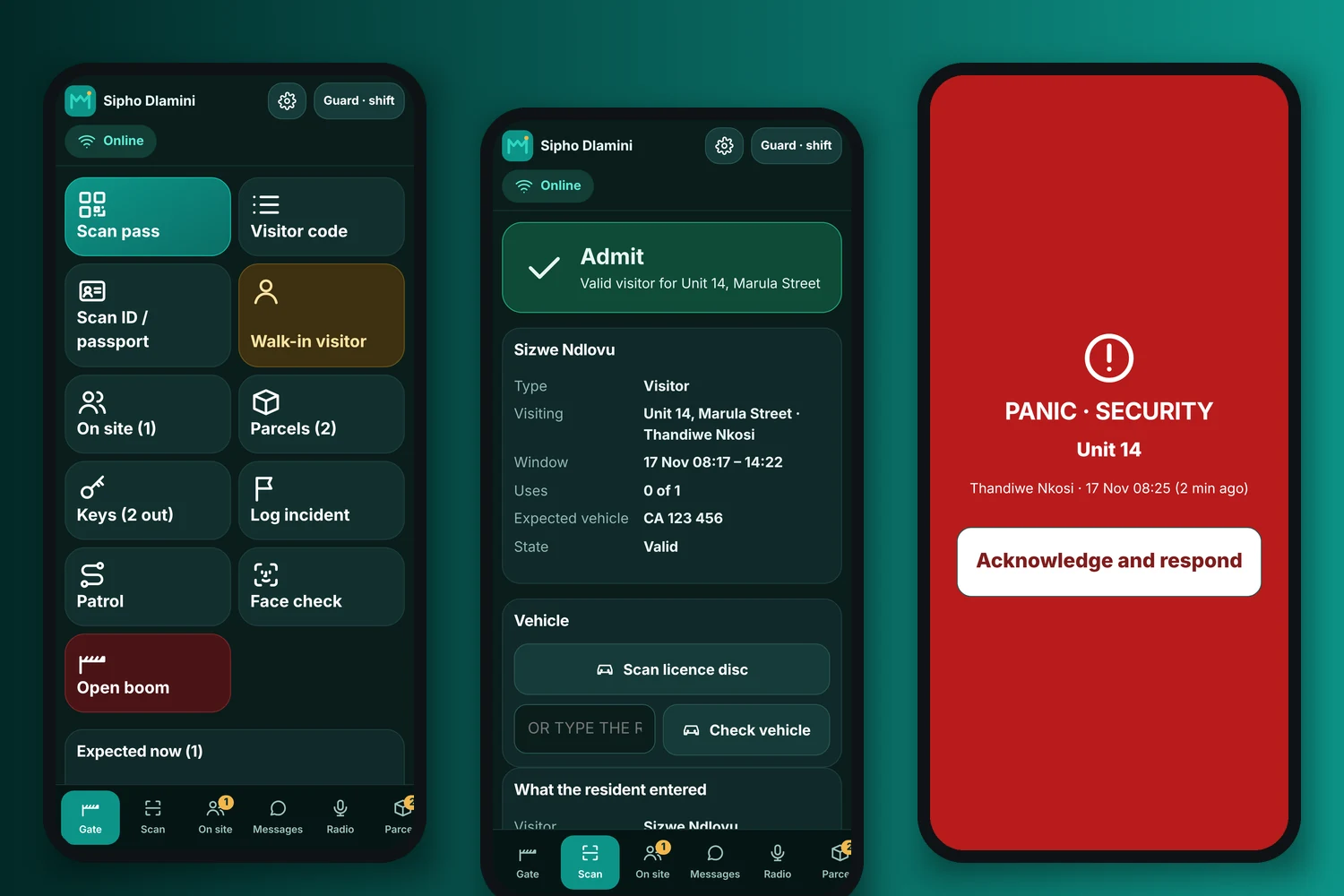
Real screens from the app, on a demo estate.
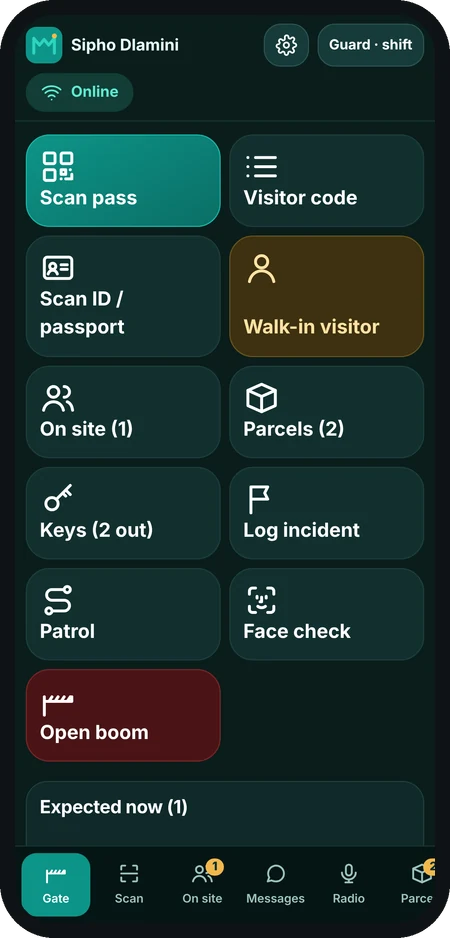
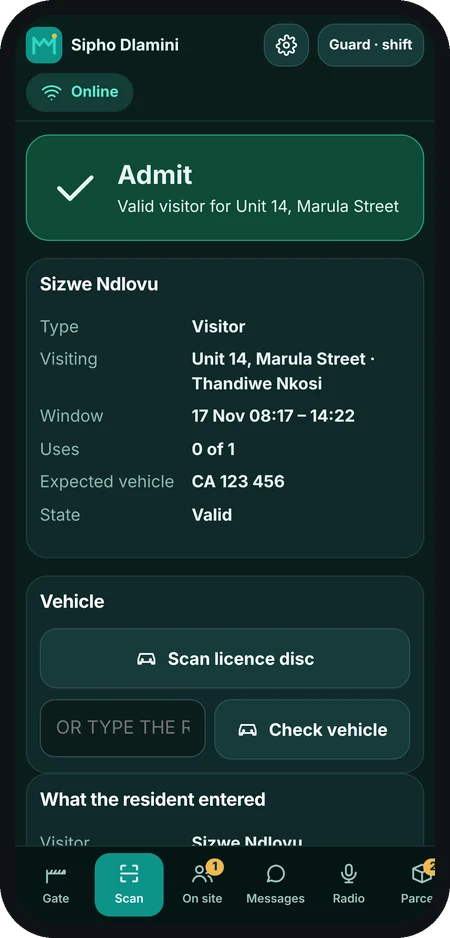
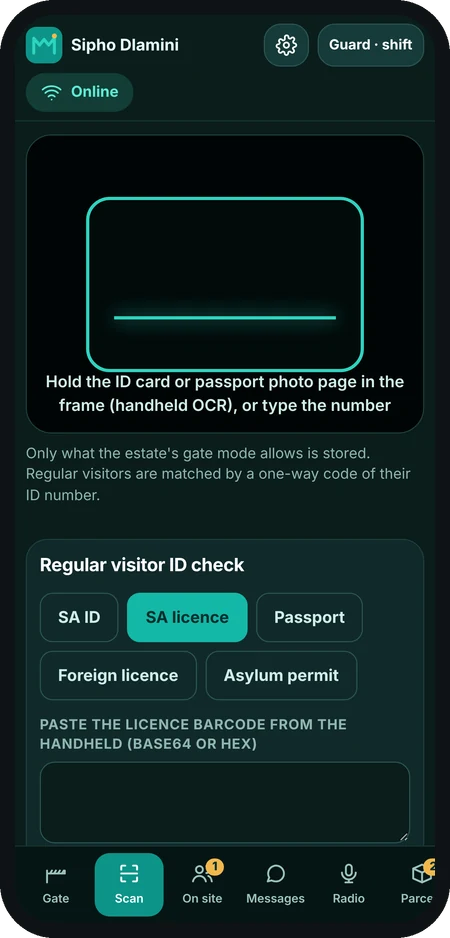
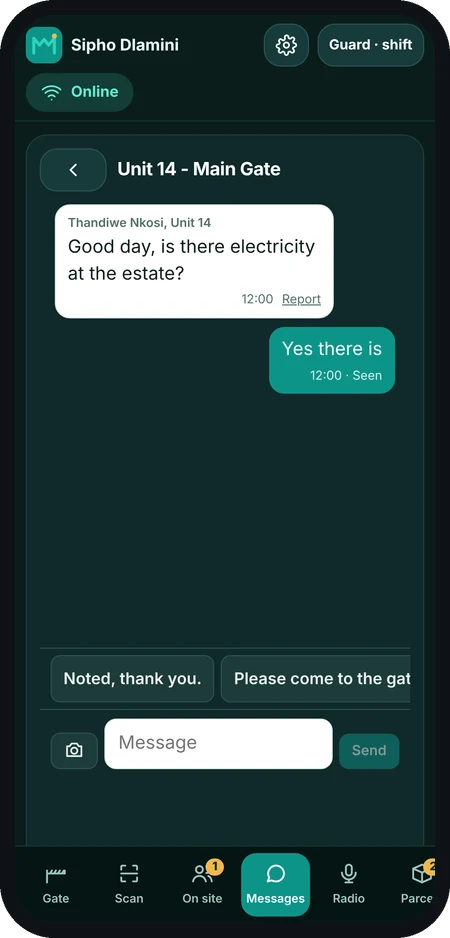
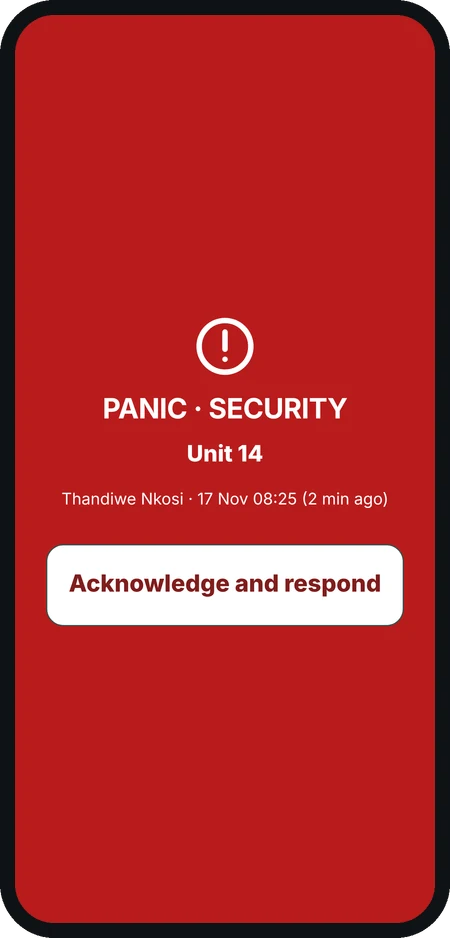
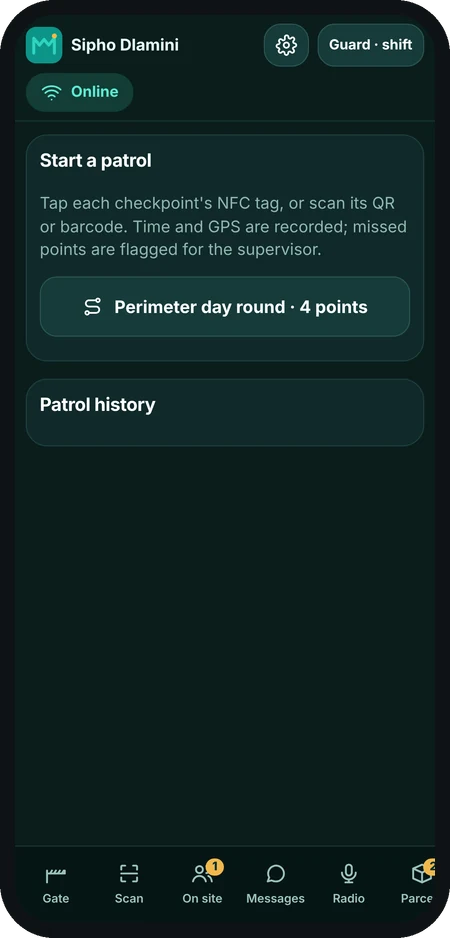
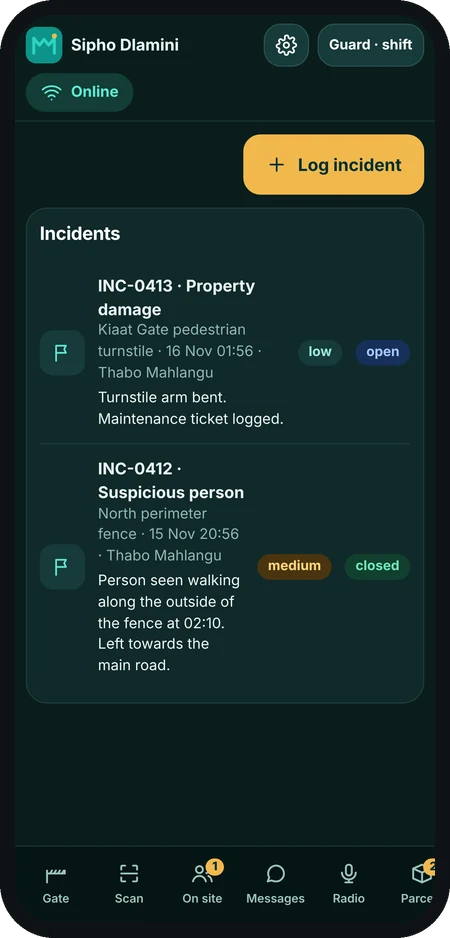
Screens show a demo estate with made-up people.
We show you the live guard workflows and how they fit your sites.
Set up sites, shifts and the checkpoints you want guarded.
Guards use a phone or a Chainway scanner with the Motion Guard app.
Call our office, WhatsApp us, or book a free demo and we will walk you through what is available today.